
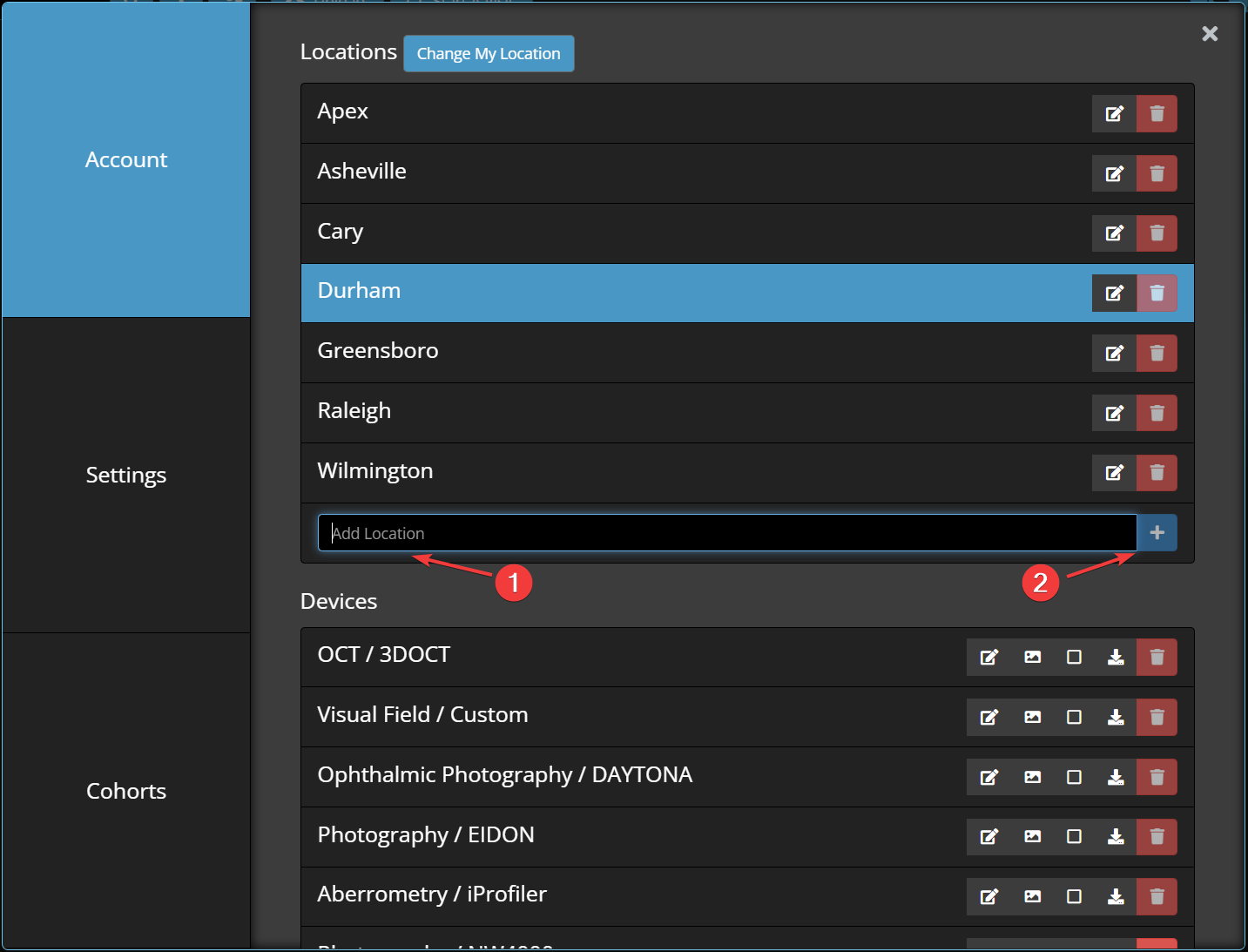
Locations inside Unified are important to separate patients between different physical offices. If Office A is in a different city from Office B, it's not often that Office A will see Office B's patients. If your locations are not separated, as your practice grows, the search will only get more and more cluttered. This is why (by default), the search will only show patients that belong to the location your account is currently in. We recognize, however, that a patient won't always visit the same office - which is why you can "Search across all locations" when searching for patients.
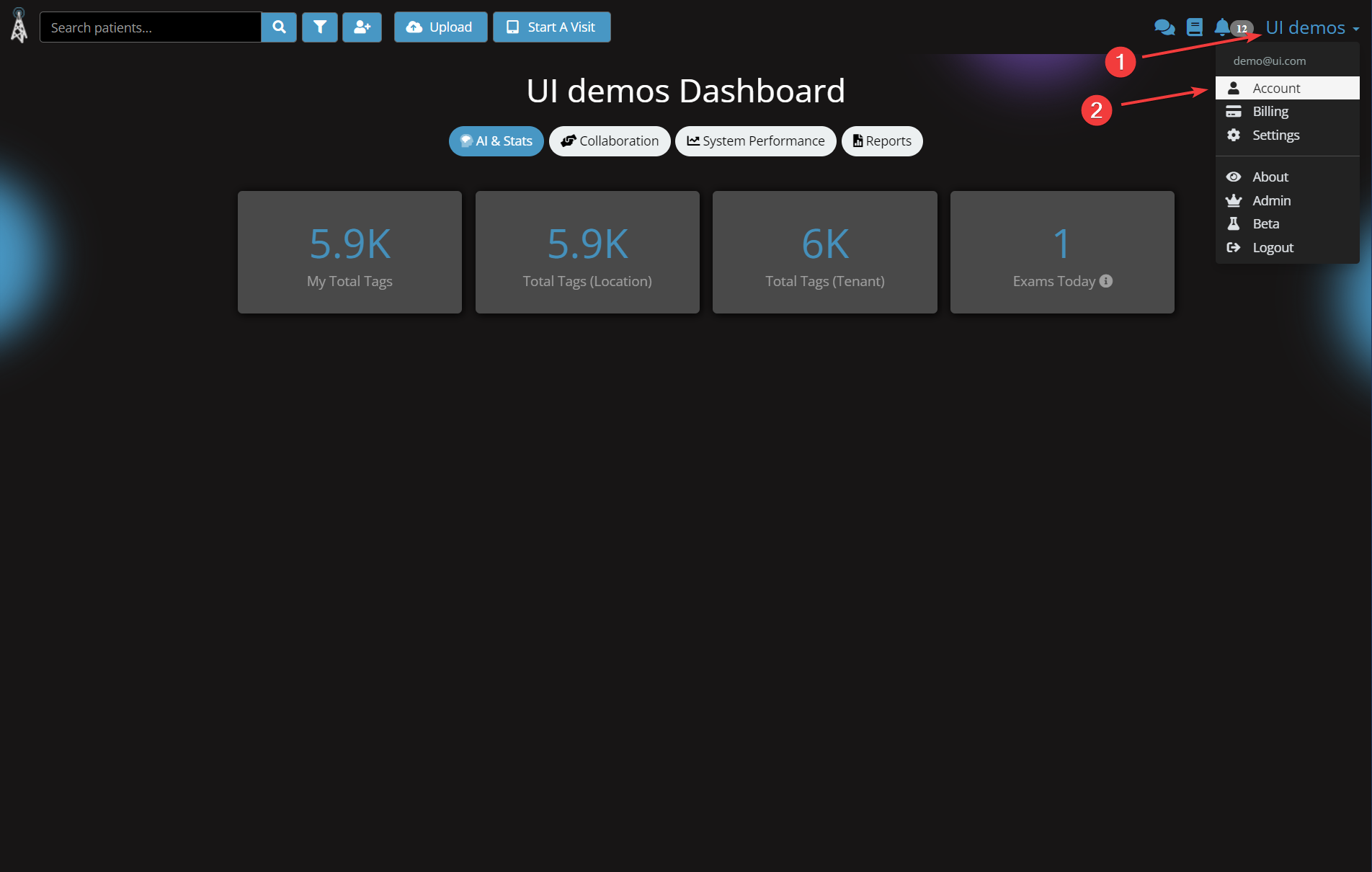
1. Click your organization in the top right, in this example it is "UI demos"
2. Click Account
Comments
0 comments
Article is closed for comments.