
Cohorts in Unified is simply a group of doctors you'd like to interact with. You can have multiple groups pertaining to different subjects or specialties. Right now they don't do anything on their own, but they go hand in hand with Conversations. To view a guide on Conversations, click here.
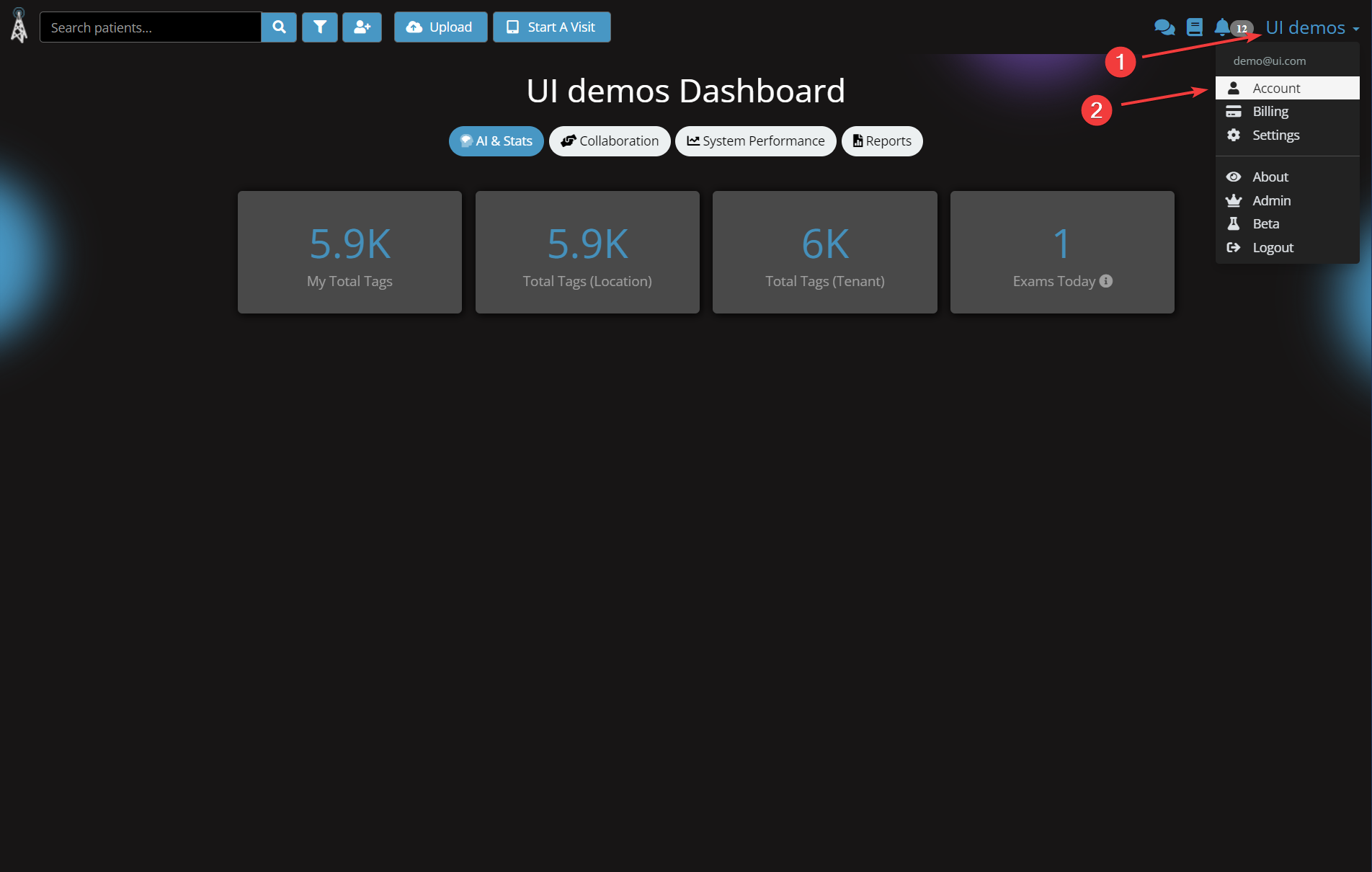
1. Click your organization in the top right, in this example it is "UI demos"
2. Click Account
3. Click Cohorts on the left
4. Click "Create a new cohort"
5. Click the "+" icon
6. Click the new entry that appeared. In this case, it's "Post-Op Care"
7. Click "Add some friends to your cohort...", and enter their email address
8. Click the "+" icon
To view a guide on Conversations, click here.
Comments
0 comments
Please sign in to leave a comment.