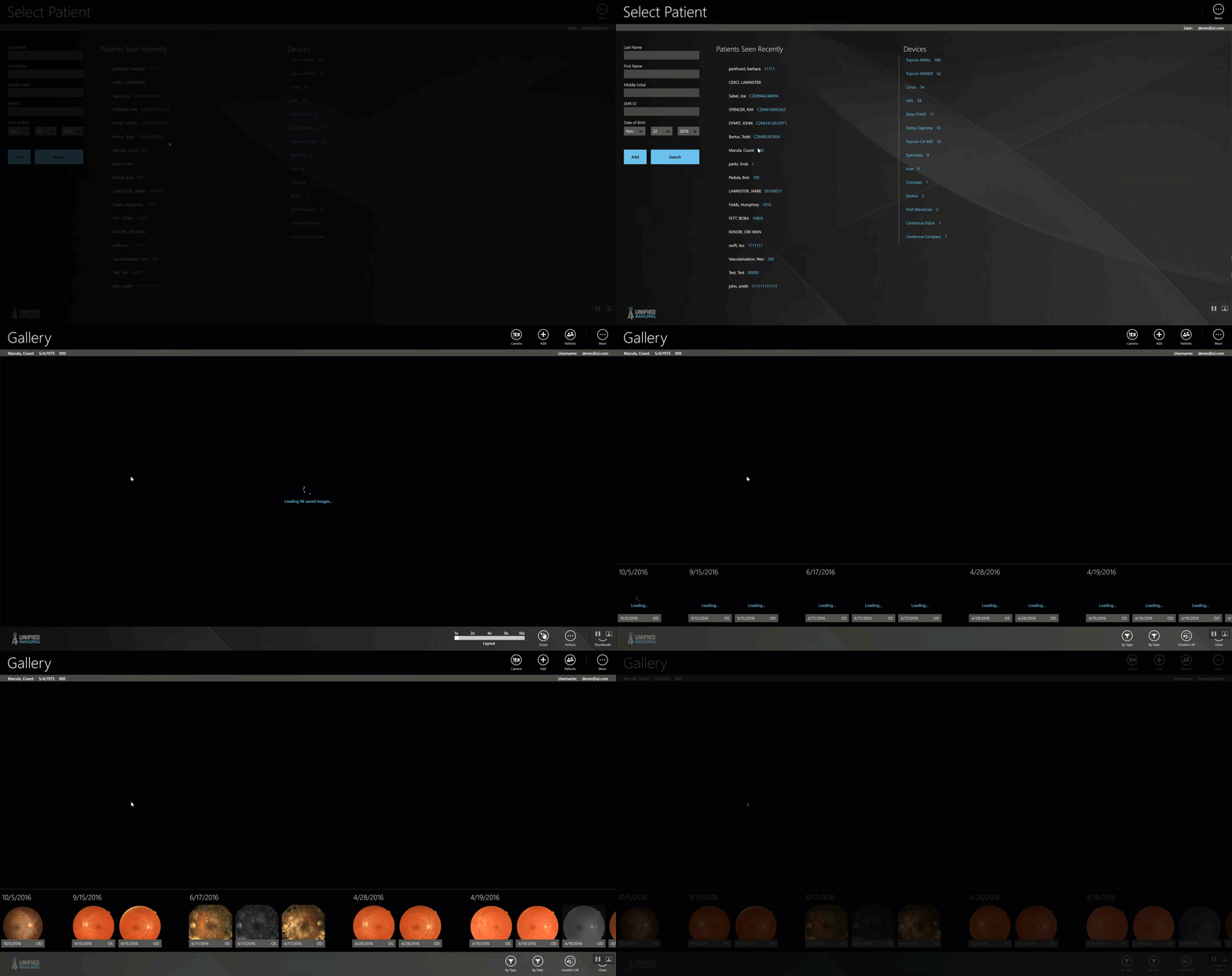
Select an Existing Patient (Windows Version) Benjamin Swift February 17, 2023 18:39 Updated Follow To Select an Existing patient: Tap or click on a patient in the “patients seen recently” list Search for a patient using the fields on the left and click “search” Tap or click on the desired patient to be taken to the patient chart Related articles Create a patient (Windows Version) Handle Unsaved Images Comments 0 comments Article is closed for comments.

Comments
0 comments
Article is closed for comments.