
The ImageAnywhere app for windows is a native windows 8.1 and 10 application that sends images to the Unified Cloud. The windows app is primarily used to capture data and is used for integrating with the instruments in a practice. CloudCAM and connect kits use the Windows app exclusively for sending information to the cloud.
This app can be downloaded from the windows store. https://www.microsoft.com/en-us/store/apps/imageanywhere/9wzdncrdn1cs
The app should be located on the taskbar of the computer/tablet or as a link on the desktop.
-
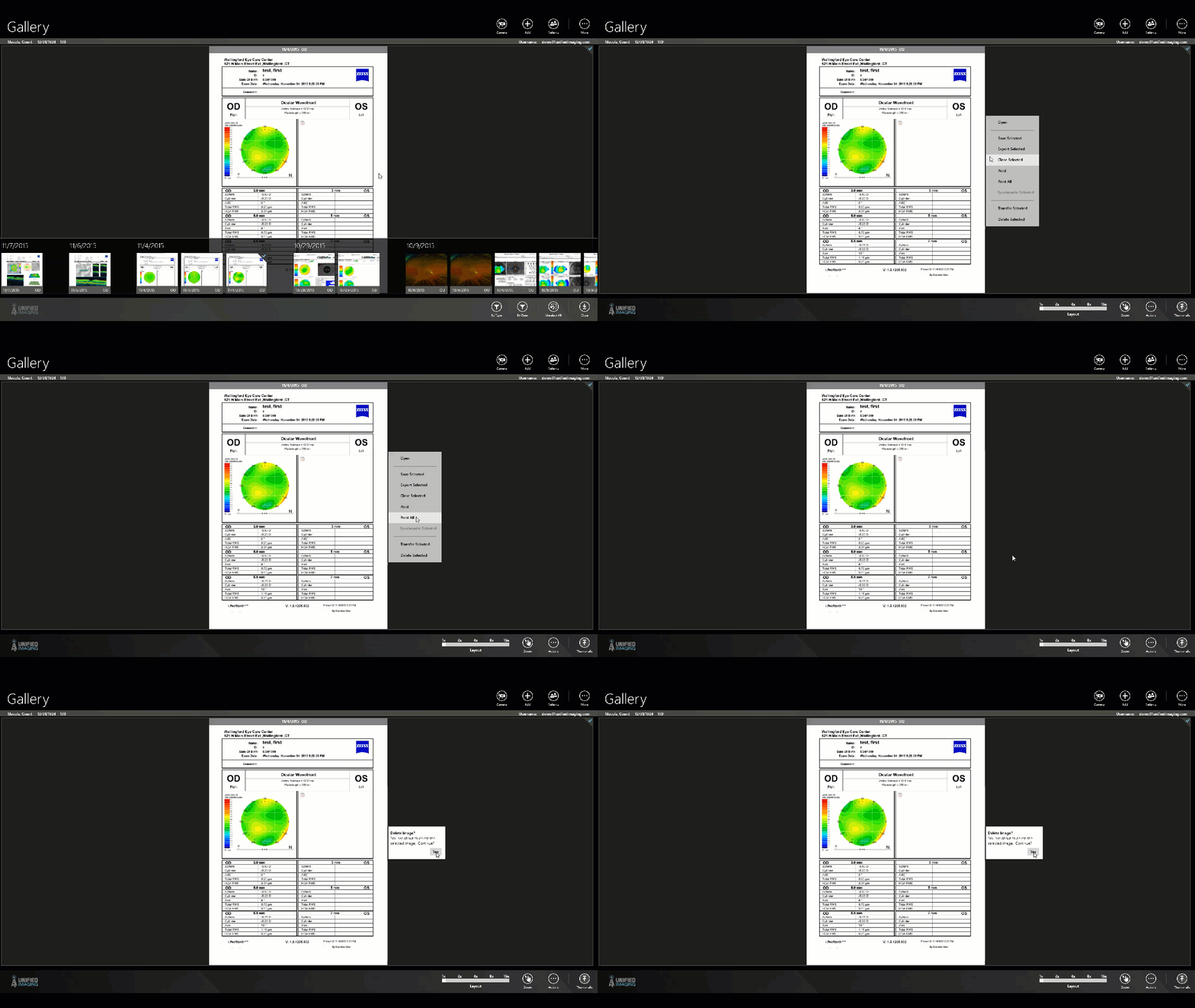
To Delete an Image(s):
- Right click on an image(s)
- In the context menu, select “delete selected”
- Confirm decision to delete
Comments
0 comments
Article is closed for comments.