
-
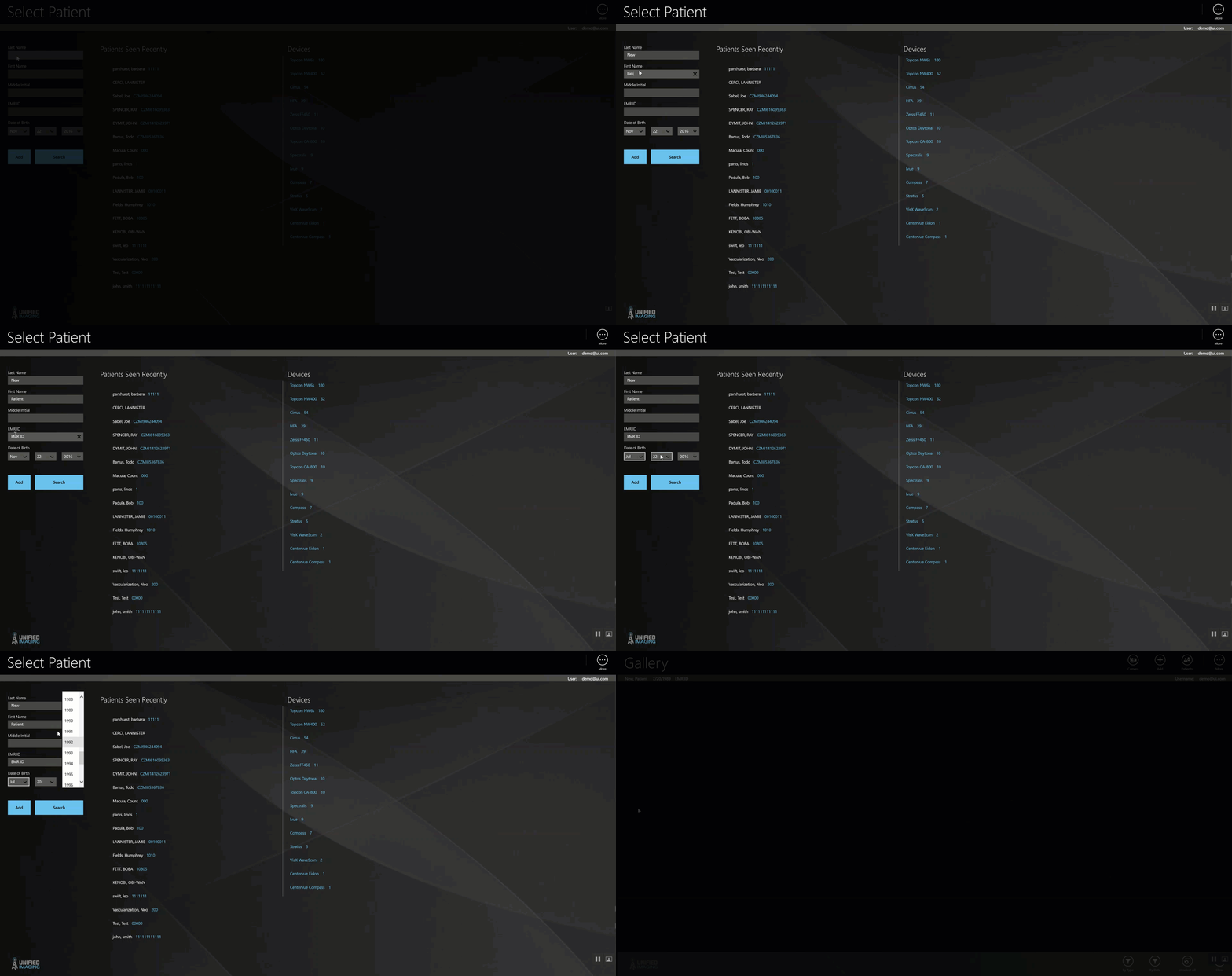
To create a patient:
- From the home screen, enter the following information:
- Last Name
- First Name
- Middle name (optional)
- EMR ID (patient Acuity number)
- Date of birth
- Select “add”
- The patient is now created and the user is brought to the newly created patient chart.
Comments
0 comments
Article is closed for comments.